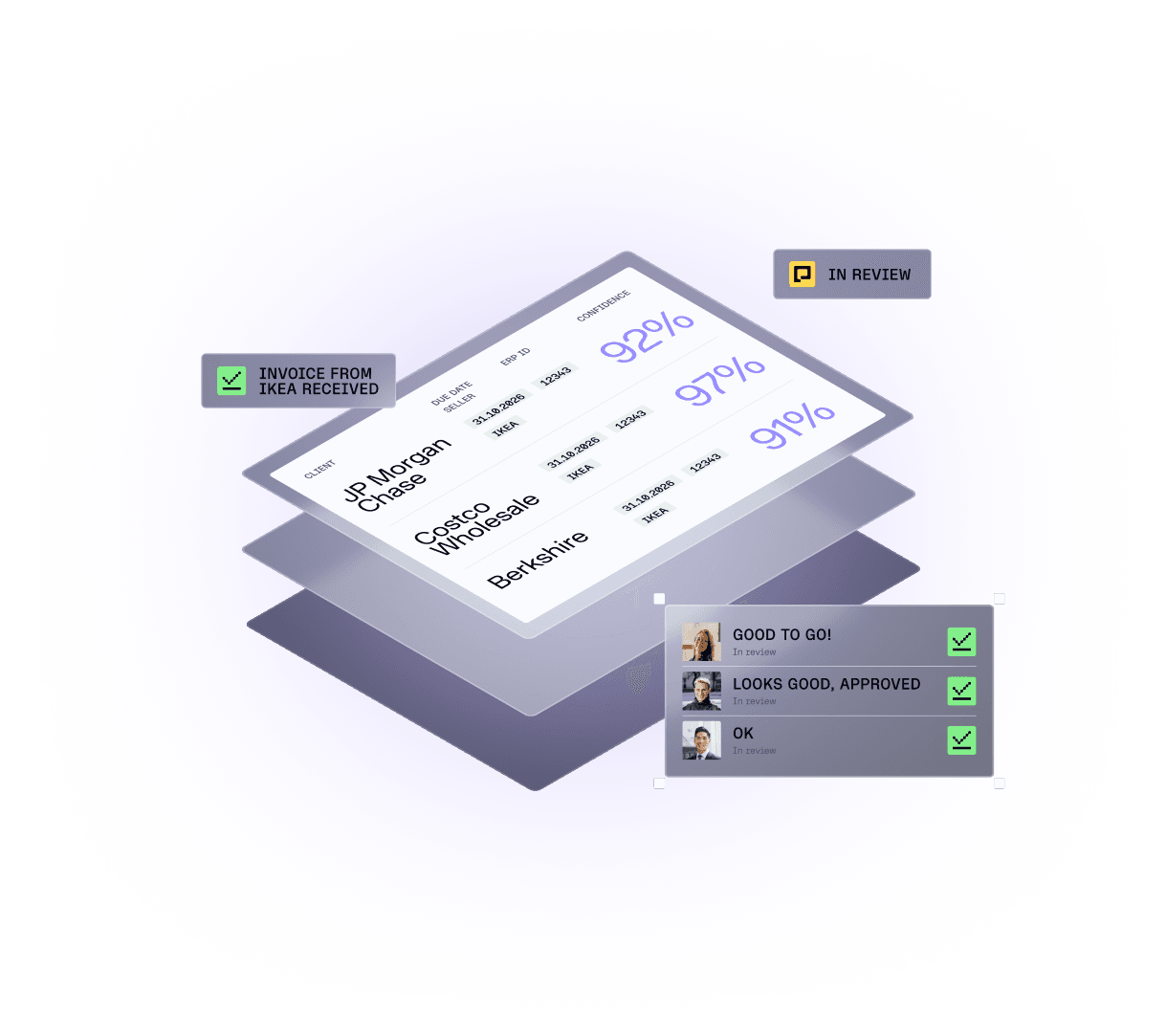
PO Invoices
Automated three-way matching for every invoice
Rydoo checks every invoice line against purchase orders and goods receipts automatically, and codes the charges no purchase order covers.
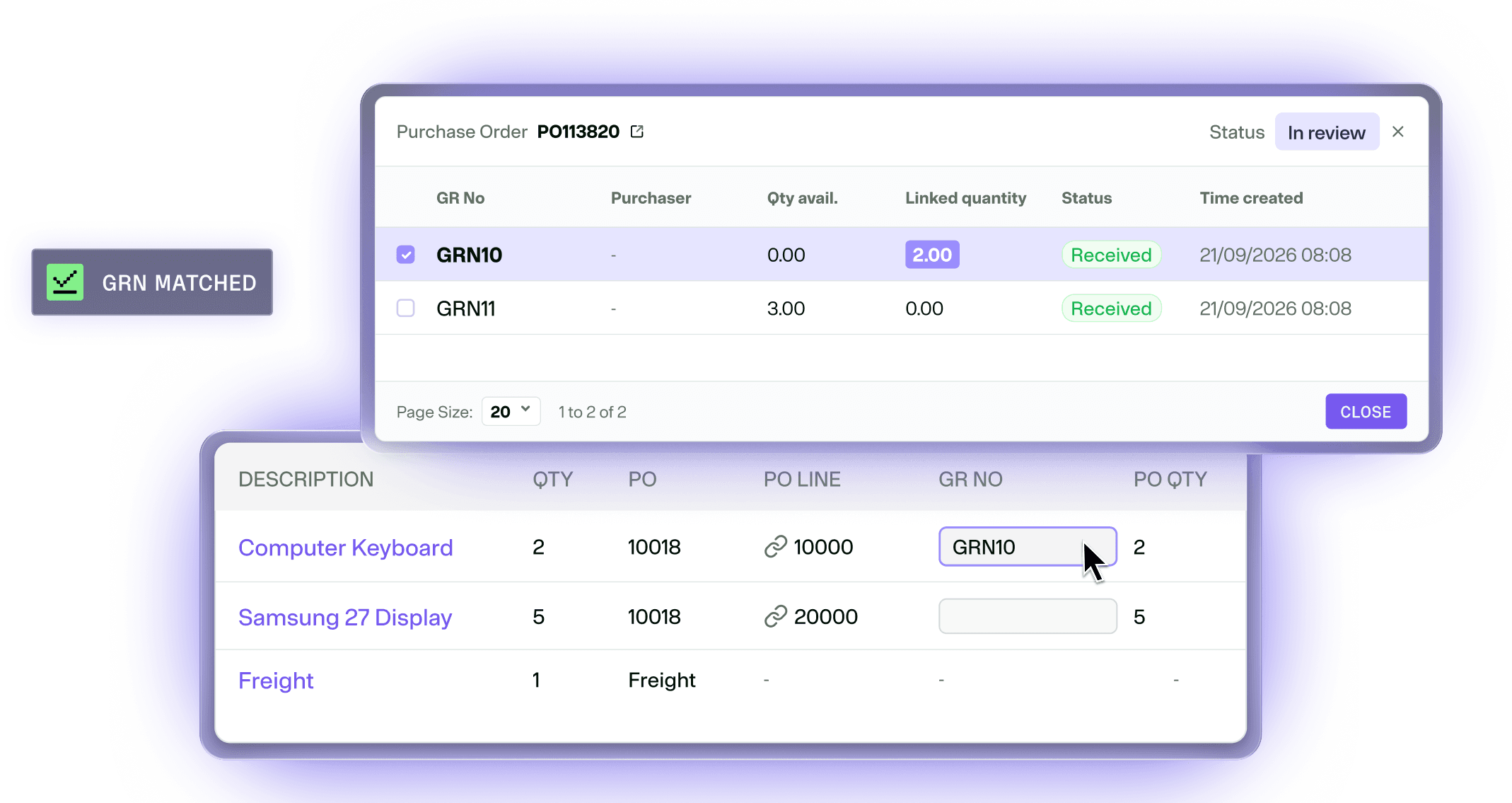
Built on the data your ERP already holds
Purchase orders and goods receipts are imported from your ERP and matched against each invoice line automatically, so your team only sees what didn't fit.
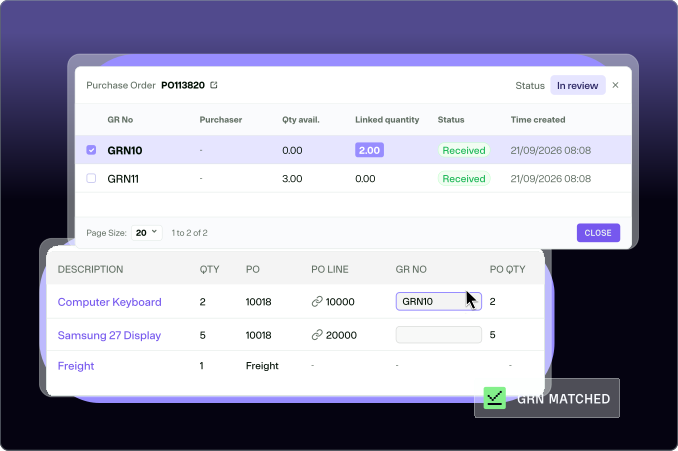
 Line Matching
Match on more than a PO number
Every line is scored on item number, GTIN (global trade item number), description, price, quantity and amount, then matched automatically based on thresholds you define.
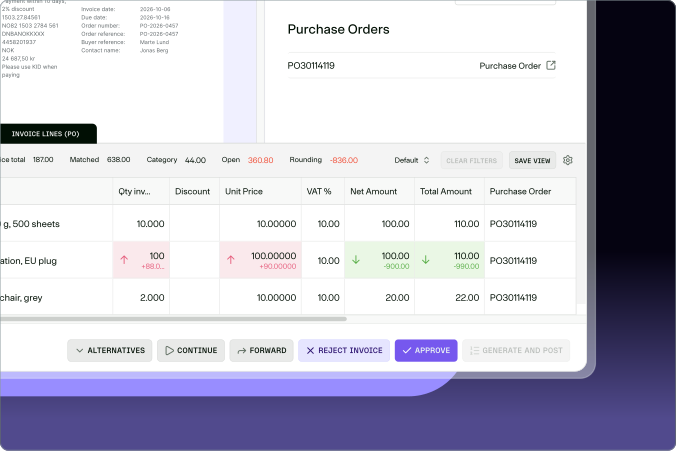
Deviations
Spot gaps between order and invoice
Detect deviations in price, quantity and amount. Anything outside your thresholds is held for review and approval before it posts.
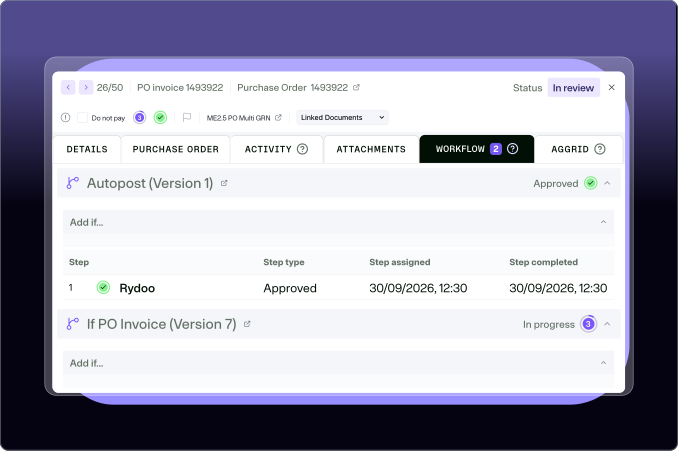
Auto-posting
Invoices that post themselves
Auto-post fully matched invoices straight to your ERP, so your team only spends its time on the invoices that need a human.











- Accounts Payable
“For VAT processing alone, across all our entities, the automation rate consistently exceeds 90%.”
Jeanette Bø-Alnes, VP Performance Management, Norwegian
| Invoices posted automatically | 70% |
|---|---|
| Reduction in invoice processing | 6 DAYS |
| VAT processes automated | 90%+ |




The Important Questions
Yes. Rydoo matches the purchase order, the goods receipt and the invoice line against one another, including where a single order is delivered in more than one shipment. Multi-shipment matching is switched on per account.
Yes. Purchase order lines can be flagged as service items, which are matched differently from product lines, and you can set automation rules specifically for them.
Lines outside the purchase order, such as freight, delivery and fees, are identified as category lines and posted to the right ledger account without manual coding. You can also set approval workflows and automation rules based on whether they appear on an invoice, or on their total amount.
The invoice line waits, unmatched, until the goods receipt arrives from your ERP. Matching then runs automatically.
Yes. If the invoice matches both the order and the delivery, it was already authorised when the purchase order was raised, so it posts without a new approval workflow.
AccountingClose the books faster with fewer corrections. |
CaptureCapture and validate every line item automatically. |
Rydoo IntelligenceManage invoices end to end with self-improving AI. |
Data & AnalyticsUnlock spend insights to help your finance team thrive. |